Getting Started
Let’s get you started with TripWatch!
Installation
If you haven’t already, you can install the TripWatch app from the Google Play Store.
The app is a standalone watch app that only needs to be installed on the watch to function, however by also installing the companion app on your phone, you can configure settings more easily, and get access to powerful features like importing from TripView.
Setup
Trips and stops
When you first open the watch app, you’ll see the main screen:
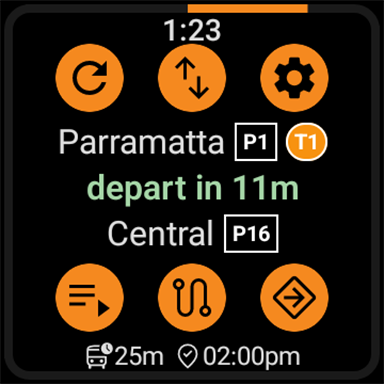
Click the Settings button to open the settings screen:
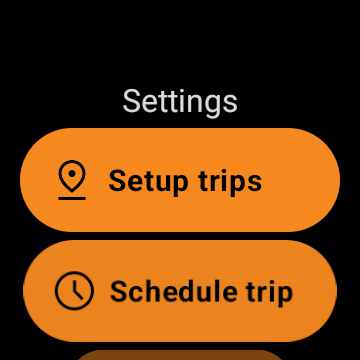
And then Setup trips:
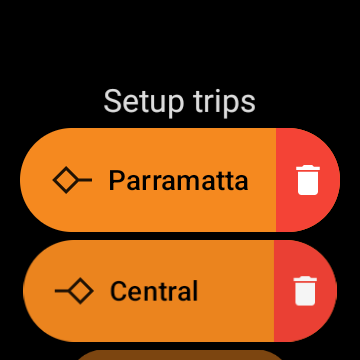
Click on one of the stops to change it:
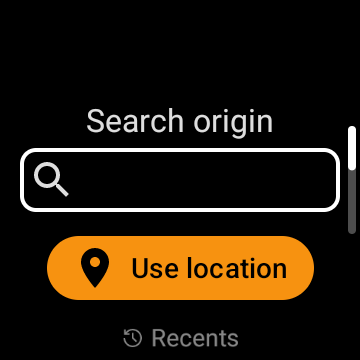
You can search for a stop by typing in the search bar, or use location services to find nearby stops.
Once you’ve selected a stop, it gets added to the list of recent stops. This allows you to quickly switch between stops without having to search for them again.
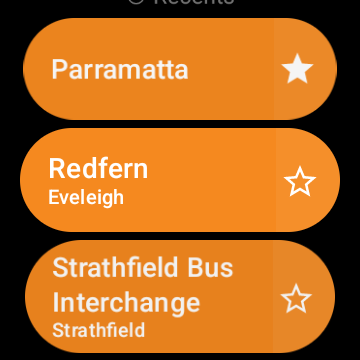
You can press the star button to mark a stop as a favourite, which will make it appear at the top of the list.
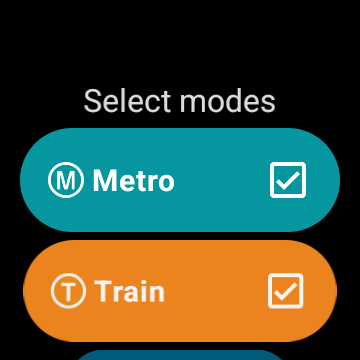
Transport modes
You can change the transport modes are used for trip planning. By default, all modes are enabled.
- Metro
- Train
- Bus
- Light Rail
- Ferry
- Coach
- School Bus
- Walk
- Disabling this mode will prevent trips with walking to transfer between services
We recommend leaving all modes enabled, as this will give you the fastest trip options. However, if you are frequently getting trips that are not relevant to you, you can disable modes that you don’t use.